
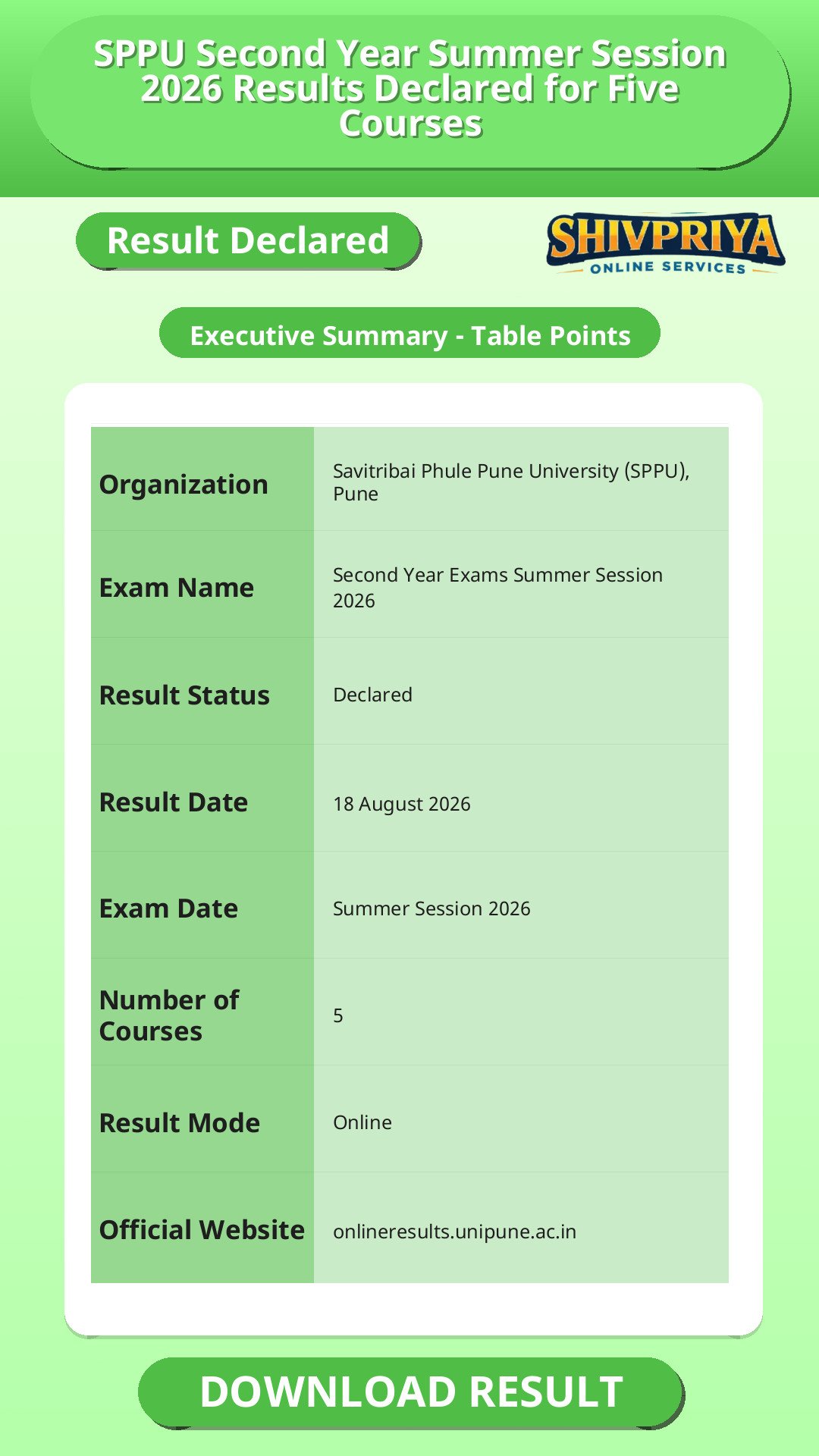
| Organization | Savitribai Phule Pune University (SPPU), Pune |
|---|---|
| Exam Name | Second Year Exams Summer Session 2026 |
| Result Status | Declared |
| Result Date | 18 August 2026 |
| Exam Date | Summer Session 2026 |
| Number of Courses | 5 |
| Result Mode | Online |
| Official Website | onlineresults.unipune.ac.in |
Result Declaration Details
यहां पर result declaration से जुड़ी तारीखें और courses की जानकारी विस्तार से दी गई है ताकि उम्मीदवार अपने course के result की पुष्टि कर सकें।
Savitribai Phule Pune University (SPPU) has declared the Second Year Summer Session 2026 results for five courses on 18 August 2026. The results cover BSc (Hospitality Studies), BSc (General), BCom (Business Management), BCom (Computer Application), and BSc (Cyber & Digital Science) under the NEP transition pattern. Students can check and download their SPPU result 2026 online through the university's official result portal.
| Course Name | Result Declared Date | Link |
|---|---|---|
| Second Year BSc (Hospitality Studies) - [(NON-NEP) to NEP 2019-2024 Pattern] - Summer Session 2026 | 18 August 2026 | Click Here |
| Second Year BSc (General) - [(NON-NEP) to NEP 2019-2024 Pattern] - Summer Session 2026 | 18 August 2026 | Click Here |
| Second Year BCom (Business Management) - 2024 Pattern (NEP 2020) - Summer Session 2026 | 18 August 2026 | Click Here |
| Second Year BCom (Computer Application) - 2024 Pattern (NEP 2020) - Summer Session 2026 | 18 August 2026 | Click Here |
| Second Year BSc (Cyber & Digital Science) - [(NON-NEP) to NEP 2019-2024 Pattern] - Summer Session 2026 | 18 August 2026 | Click Here |
How To Check Result
इस section में SPPU result ऑनलाइन चेक करने के आसान steps दिए गए हैं ताकि छात्र बिना किसी परेशानी के अपना result डाउनलोड कर सकें।
Follow these steps to check and download your SPPU Second Year result 2026 from the official portal.
- Visit the official SPPU Online Result Display System at onlineresults.unipune.ac.in/Result/Dashboard/Default.
- On the Dashboard page, select the relevant session (Summer Session 2026) from the "Select Session" dropdown.
- Locate your course name - for example, "Second Year BACHELOR OF COMMERCE (BUSINESS MANAGEMENT)((2024 Pattern(NEP 2020))) Summer Session 2026" - in the results list.
- Click on the course name or the corresponding result link against the 18 August 2026 entry.
- Enter your required credentials (such as PRN/seat number, as prompted by the portal) when asked.
- View your result and download or take a printout for future reference.
Important Instructions
इस section में छात्रों के लिए जरूरी निर्देश दिए गए हैं जिनका पालन करके वे अपने result से जुड़ी समस्याओं से बच सकते हैं।
- Always check your result only through the official SPPU portal (onlineresults.unipune.ac.in) to avoid misinformation from unofficial sources.
- Keep your PRN/seat number and other login details ready before checking the result.
- Download and save a copy of your result immediately after it is displayed, as online availability windows can vary.
- Cross-check your name, PRN, and subject details on the result printout for any discrepancy.
Important Links
नीचे SPPU Second Year Result 2026 से संबंधित महत्वपूर्ण लिंक दिए गए हैं ताकि छात्र सीधे संबंधित पेज पर पहुंच सकें।
FAQ
When was the SPPU Second Year result 2026 declared?
SPPU declared the Second Year Summer Session 2026 results for BSc (Hospitality Studies), BSc (General), BCom (Business Management), BCom (Computer Application), and BSc (Cyber & Digital Science) on 18 August 2026.
Where can I check my SPPU result 2026 online?
You can check your SPPU result 2026 on the official Online Result Display System at onlineresults.unipune.ac.in/Result/Dashboard/Default.
Which SPPU Second Year courses got their results on 18 August 2026?
Five courses were declared on this date: BSc (Hospitality Studies), BSc (General), BCom (Business Management), BCom (Computer Application), and BSc (Cyber & Digital Science), all under the Summer Session 2026 and NEP transition patterns.
Does SPPU release results for other courses and sessions too?
Yes. Along with these five Second Year courses, SPPU's result dashboard shows results declared across many other courses and sessions, including Pharm.D., B.Pharmacy, M.Sc., MBA, MCA, Engineering, Law, and Architecture programmes, released on different dates through the Summer Session 2026 and Winter Session 2025 cycles.
Whom should I contact if there is an error in my SPPU result?
Students should contact their college's examination department or the SPPU examination section for corrections.
नीचे frequently asked questions दिए गए हैं जो SPPU Second Year Summer Session 2026 results के बारे में सामान्य जिज्ञासाओं को स्पष्ट करते हैं।
Next Stage Guidance
इस section में परिणाम के बाद आगे की प्रक्रिया और आवश्यक कदमों के बारे में जानकारी दी गई है।
- अपने result की पुष्टि करने के बाद, आगे की पढ़ाई या प्रतियोगी परीक्षाओं के लिए योजना बनाएं।
- यदि merit list में आपका नाम है, तो आगे के selection process जैसे counseling या document verification की जानकारी प्राप्त करें।
- अगले चरणों के लिए संबंधित विभाग या विश्वविद्यालय के निर्देशों का पालन करें।
Document Verification Tips
इस section में Document Verification की प्रक्रिया के दौरान ध्यान देने योग्य महत्वपूर्ण बातें दी गई हैं।
- सभी आवश्यक documents जैसे mark sheets, identity proof, और admission slips तैयार रखें।
- Document Verification के लिए निर्धारित तिथि और समय का सही-सही पालन करें।
- कोई भी discrepancy पाए जाने पर तुरंत संबंधित विभाग को सूचित करें।
- अपने documents की फोटोकॉपी साथ लेकर जाएं और originals भी साथ रखें।
Common Result Mistakes
यहां पर उम्मीदवारों द्वारा आमतौर पर की जाने वाली गलतियों और उनसे बचने के उपाय बताए गए हैं।
- गलत वेबसाइट या unofficial sources से result चेक करना।
- अपना PRN या seat number गलत डालना जिससे परिणाम न दिखे।
- Result डाउनलोड न करना और केवल ऑनलाइन देख लेना।
- Result में नाम या विषयों की गलत जानकारी को नजरअंदाज करना।
- गलत या incomplete credentials के कारण login में समस्या आना।
Disclaimer
Yeh job post sirf informational purpose ke liye banayi gayi hai taaki aapko recruitment ki details simple aur samajhne layak format me mil sake.
Time ke saath details me changes ho sakte hain (jaise dates, vacancies, eligibility, etc.). Isliye apply karne se pehle official notification ko zarur verify karein.
Hum kisi bhi typing error, outdated information ya misunderstanding ke liye zimmedar nahi honge.
- Ratnagiri District Court Contractual Employee Recruitment 2026 – Apply Offline
- IIT Roorkee Junior Research Fellow Recruitment 2026 – Apply Now
- IIT BHU Junior Research Assistant Recruitment 2026 – Apply Now for 1 Post
- Comprehensive Guide to BFUHS BSc Paramedical & Nursing Results 2026
- BEML Non Executive Recruitment 2026: Apply Online for 10 Tenure Posts
- Complete Guide to NEHU History 2nd Semester Result 2026 Download and Details

